

Firm Performance
- Review productivity, billing, receivables, and client activity.
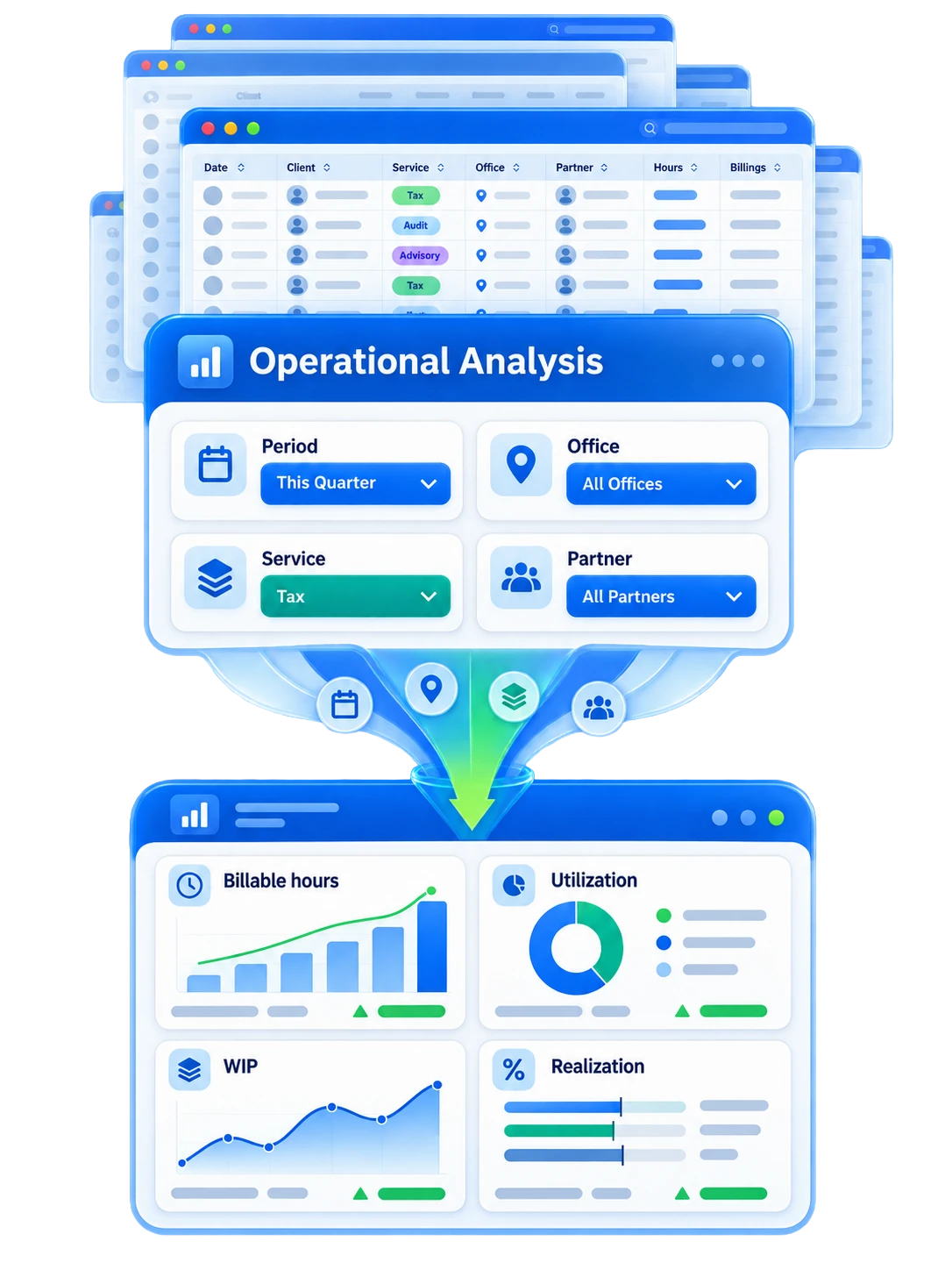
- Filter reports by the view your team needs.
- Use clearer numbers to guide partner and manager decisions.
Use Axis reporting to see work, billing, receivables, productivity, and client activity more clearly.
We’ll follow up by email. No pressure. No obligation. Choose a time next.
No pressure. No obligation. Migration and setup questions answered.
See the Full Practice Management Platform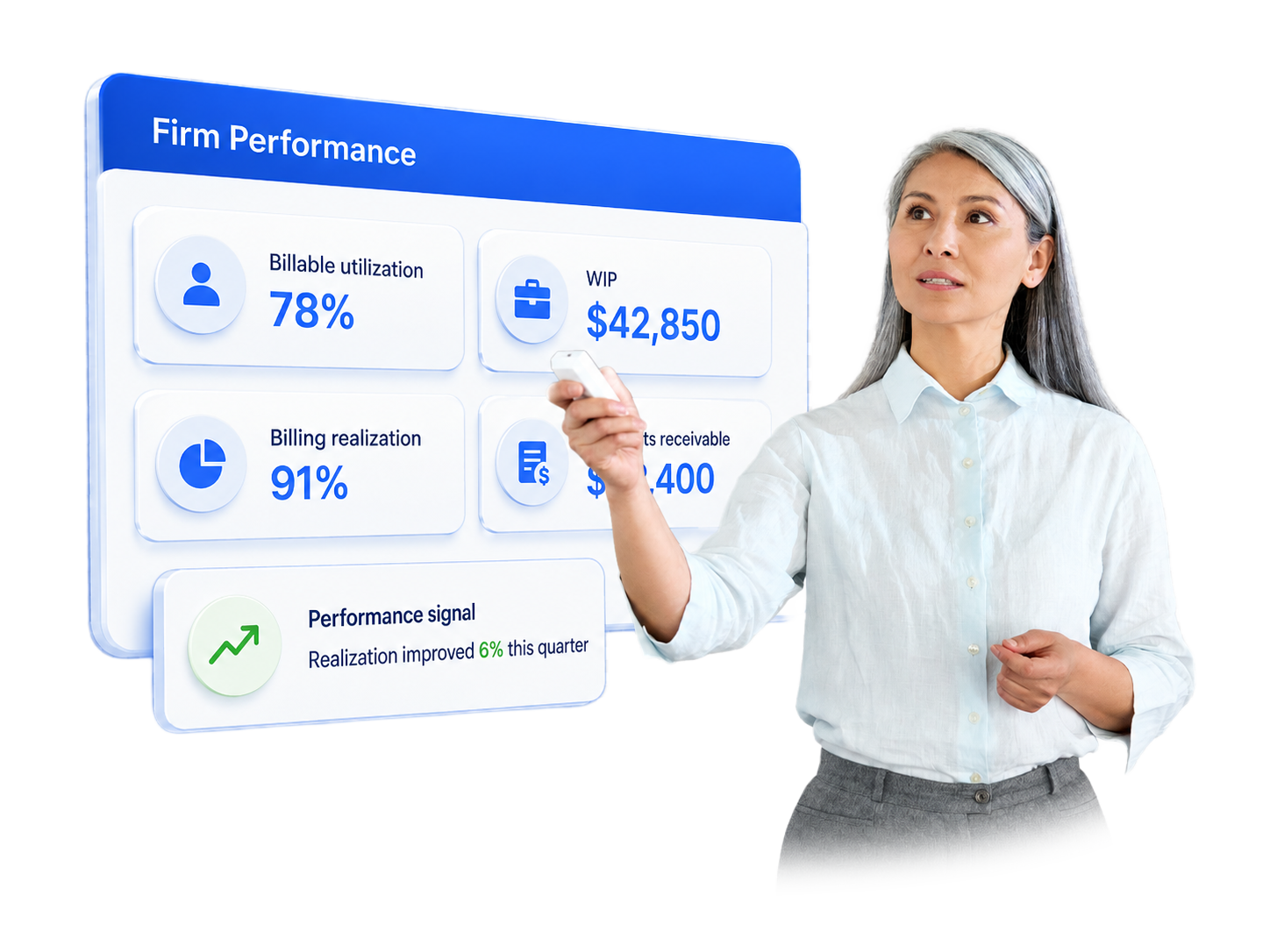



Reports should help your team act. Axis brings key firm numbers into view, so partners and managers can spot issues sooner.
Accounting firms need more than a list of totals. They need to see which work is open, which clients need attention, and which billing issues are slowing cash flow.
Axis connects reports to the work already happening in the system. That gives teams cleaner context when they review WIP, AR, staff activity, and client profitability.
The best reporting setup is practical. It helps your firm answer everyday questions before they become bigger problems.
See work in progress by client, service, staff member, or period. This helps teams catch stalled work sooner.
Review outstanding balances and collection status. Keep AR visible before it becomes a cash flow issue.
Compare time, billing, and write-downs. Use that view to improve pricing, staffing, and client planning.
Understand which clients are active, which need follow-up, and where your team is spending time.
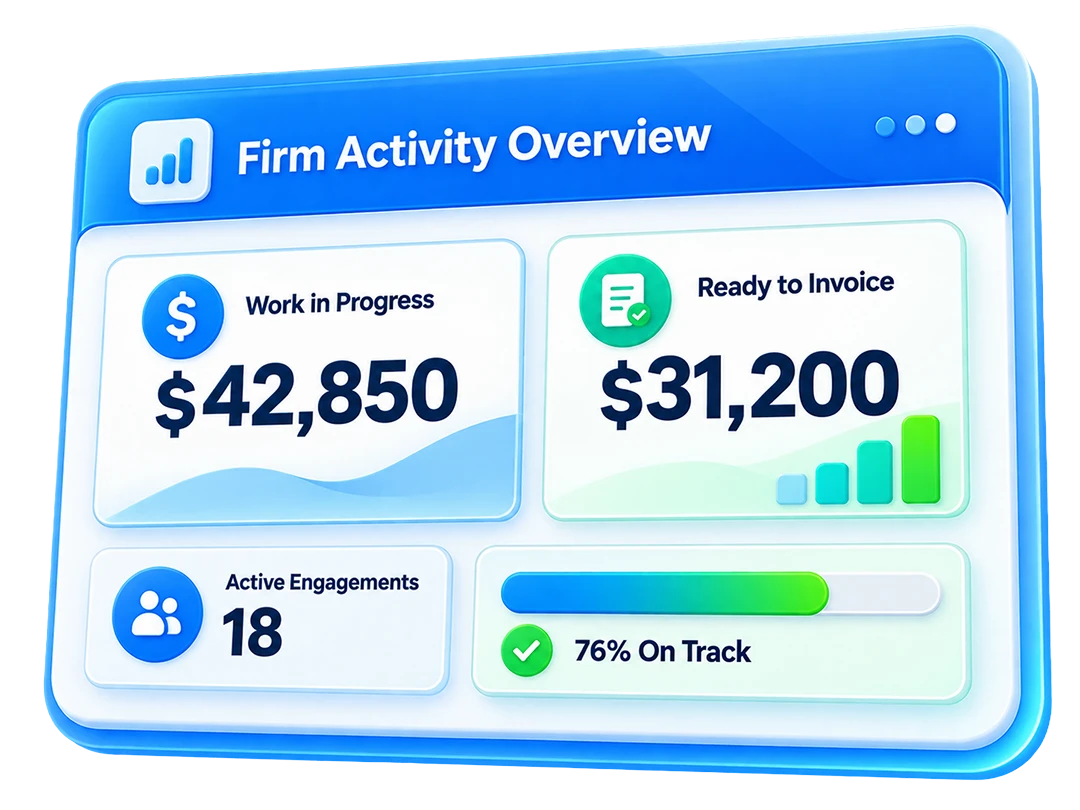
Visibility
Track work, billing, and client activity without chasing status updates.
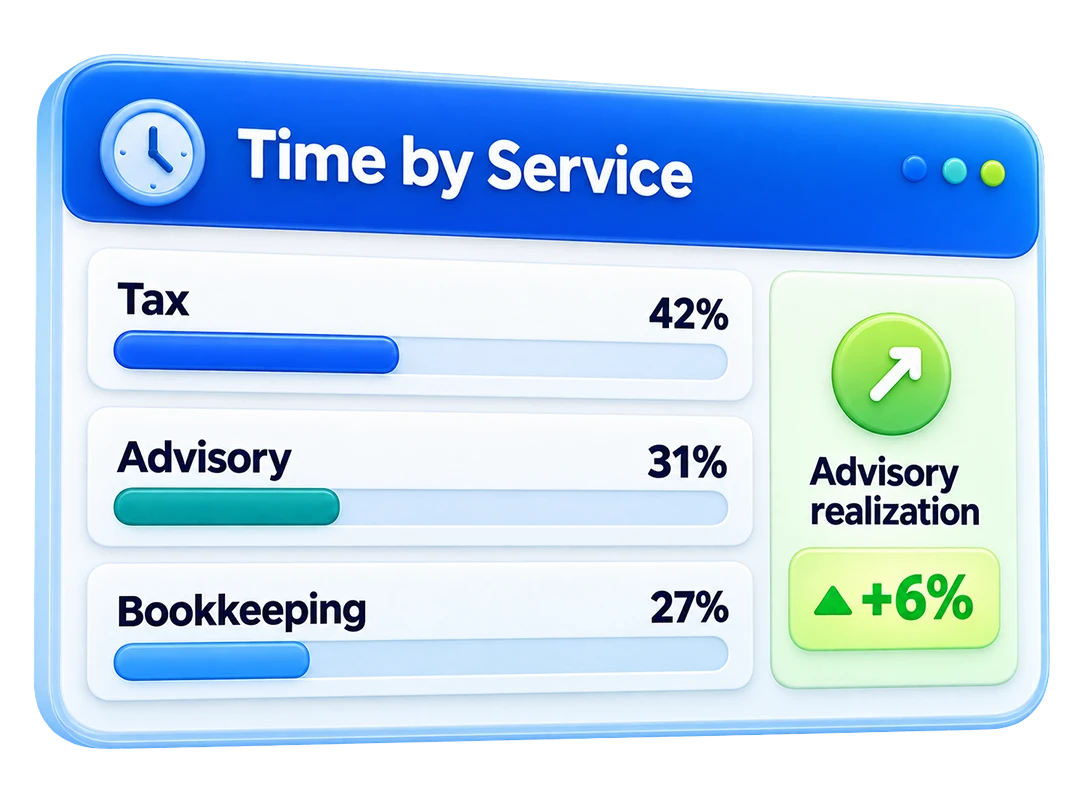
Profitability
Review client and service patterns before margins drift.
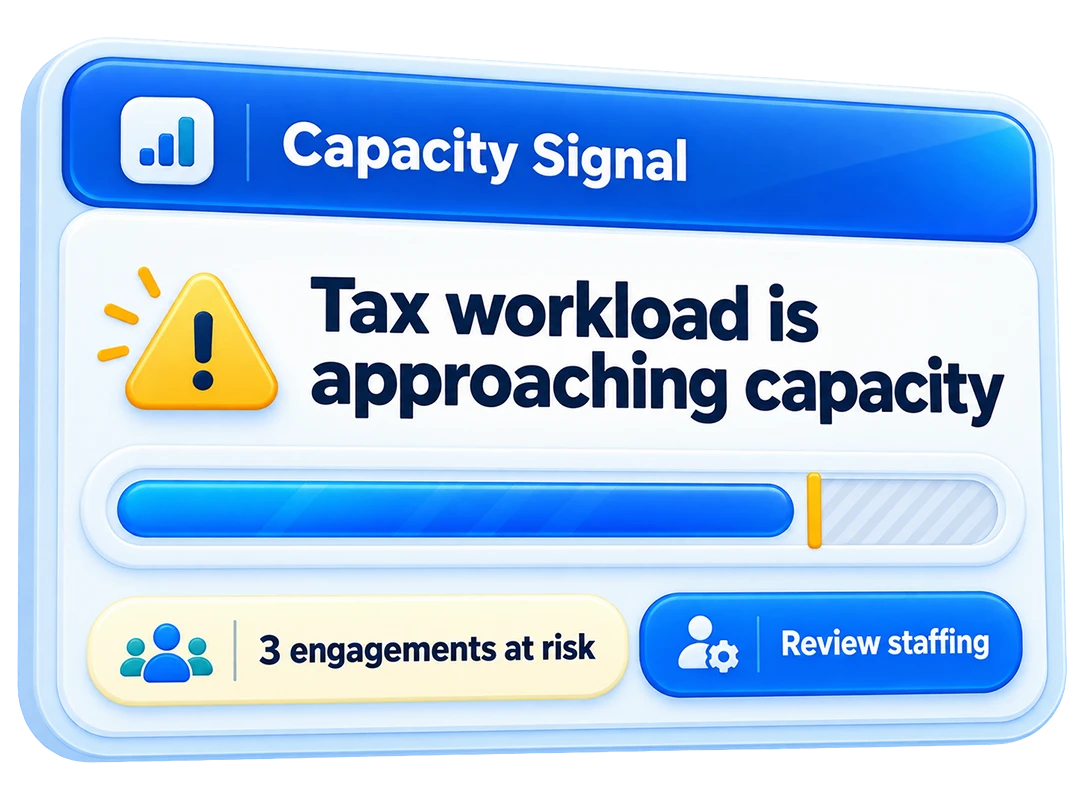
Decisions
Give leaders reports that are easier to read and easier to use.
Reports are most useful when they change the next meeting, the next client conversation, or the next billing review. Axis helps partners and managers work from a shared view.
Your team can review open work, billing progress, collections, and client patterns without rebuilding the same spreadsheet each week.
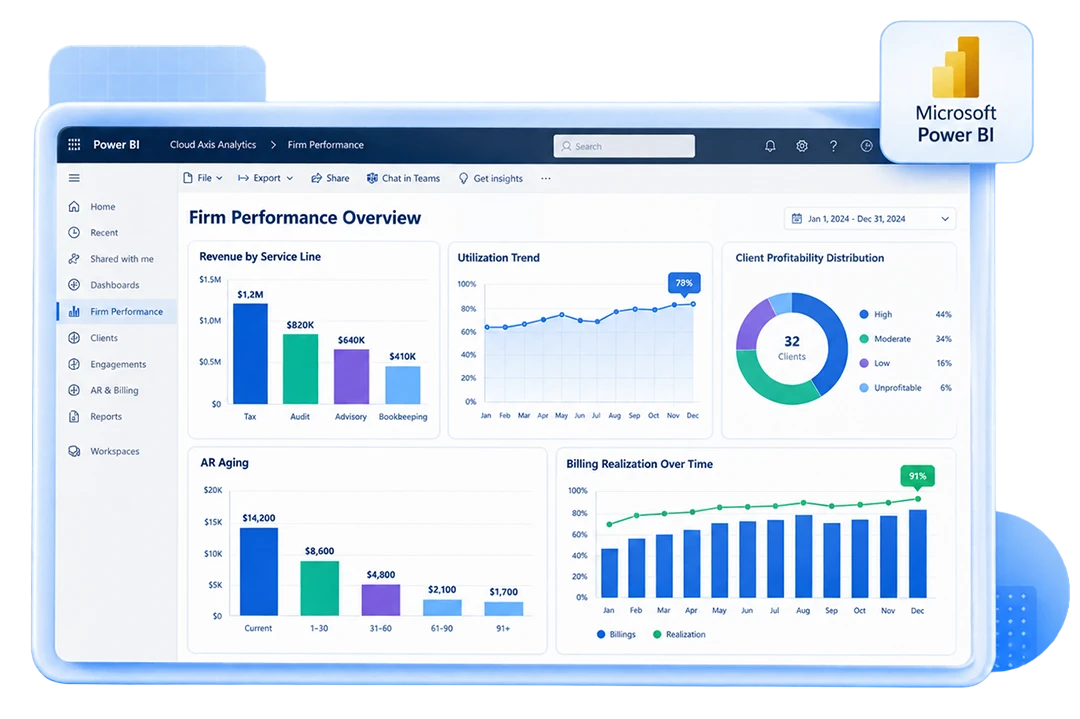
Bring the reports your firm relies on today. We will show where Axis can simplify the view.
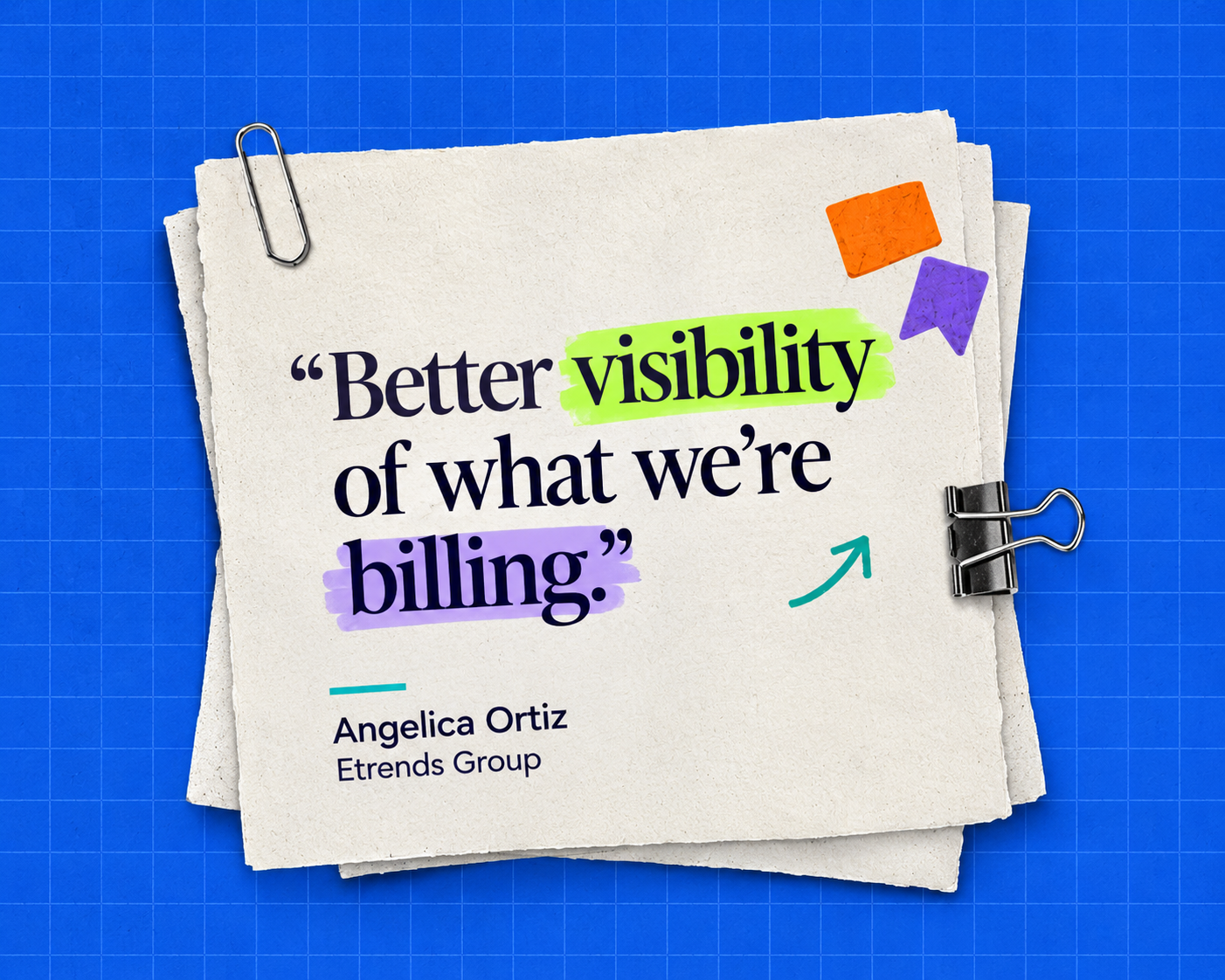
Axis gives firms a clearer view of WIP, billing, and daily operations.
"We are able to view the WIP more clearly and have better visibility of what we're billing. It's made a huge difference in the company."
Angelica Ortiz, Etrends Group
Reporting gets stronger when it is tied to the work, billing, client records, and tools your team already uses inside Axis.
These answers focus on reporting. For the full operations platform, review practice management or pricing.
It helps firms review work, billing, receivables, productivity, and client activity in a clearer format. The goal is to make firm data easier to read and easier to use.
Axis supports reports for WIP, AR, billing, realization, productivity, client activity, and firm operations. These views help partners and managers see what needs attention.
Yes. Firms can use Power BI for richer dashboards, visual reports, and deeper analysis. This is useful when leaders want trend views or more visual reporting.
Yes. Client reports can help firms see which clients use more time, support healthy margins, or need service changes. This can support pricing and staffing decisions.
No. Reporting is one part of Axis. Practice management covers the broader firm workflow, including time, billing, clients, documents, tasks, and integrations.
Yes. The goal is to keep key firm reporting closer to the work, so teams rely less on manual spreadsheet updates. Firms can spend more time reviewing the numbers and less time rebuilding them.
Axis also supports time tracking, billing, client management, workflow, document handling, and integrations. Reporting works best when it reflects those daily operations.
Ready to review firm visibility?
Bring the questions partners and managers ask about work, billing, WIP, AR, productivity, and client activity. We will show how Axis reporting can support better decisions.
We’ll follow up by email. No pressure. No obligation. Choose a time next.
No pressure. No obligation. Migration and setup questions answered.