


QuickBooks Online
Ultimate Only
Axis connects with the accounting, email, payment, signature, and portal tools your firm already uses. See which connections matter now, which belong later, and what setup looks like.
We’ll follow up by email. No pressure. No obligation. Choose a time next.
No pressure. No obligation. Migration and setup questions answered.
See Which Plan Fits Your Stack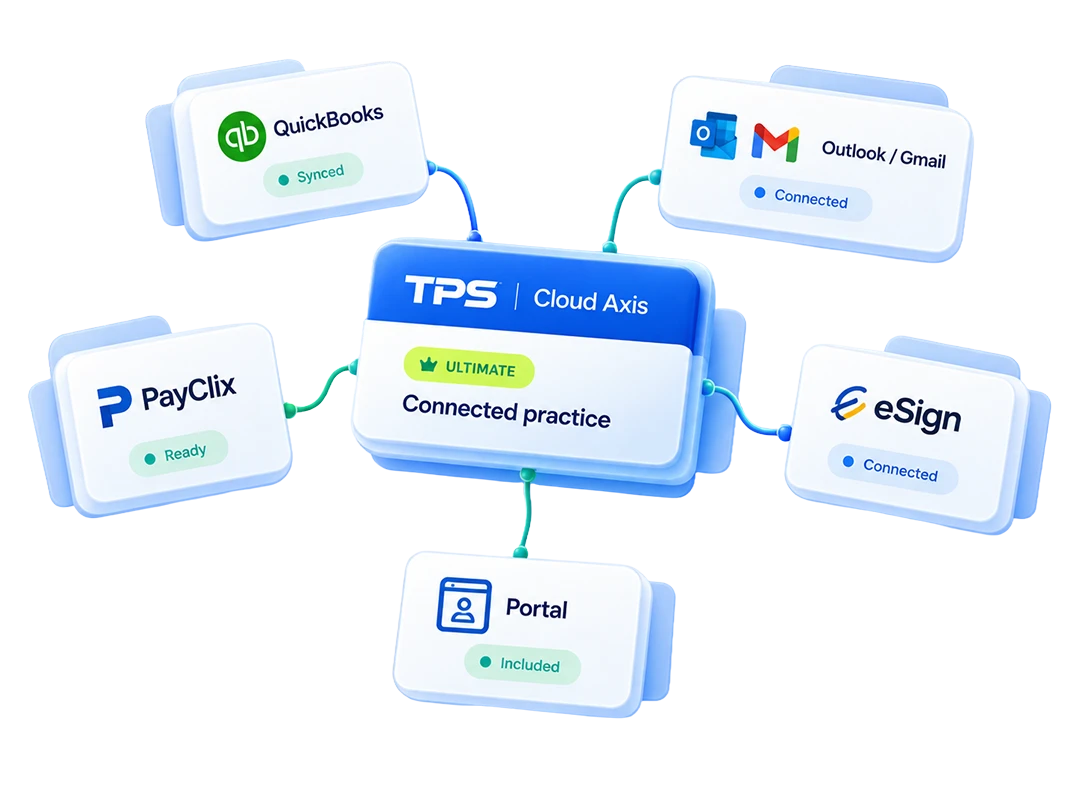



What connects
This page is for feature verification: which tools connect, what data moves, which direction it moves, and where the plan boundary sits.
QuickBooks Online
Ultimate Only

Microsoft Outlook
Pro and Up

Gmail
Ultimate Only

Stripe
Ultimate Portal
PayPal
Ultimate Portal

CPA Charge
Ultimate Portal

Clover
Ultimate Portal

TPS eSign
Ultimate Portal
Integration details
A shallow export still leaves someone on your team acting as the human sync between two systems. Axis is clearer about what each integration actually does.
Build an invoice in Axis and it appears in QuickBooks automatically. Delete it in either system and it is removed from both, so AR stays identical without hand reconciliation.
Ultimate Only - Two-Way - Invoices, Payments, AR Balances
Client messages sent and received through Outlook log to the client record in Axis. No forwarding, no BCC workaround, and no searching a separate inbox for basic context.
Pro and Up - Two-Way - Client Email
Messages sent from Axis through Gmail log to the client record. For full two-way email logging, Outlook is the deeper integration.
Ultimate Only - Outbound - Sent Client Email
Invoices generated in Axis sync with supported processors. When a client pays through the portal, the payment posts to accounts receivable automatically.
Ultimate Only - Two-Way - Stripe, PayPal, CPA Charge, Clover
Send documents for signature individually or in bulk from inside Axis. Secure storage is native to Axis, with role-based access control in the same client portal layer.
Ultimate Only - Client Portal
Axis connects to AI tools through MCP on the Ultimate plan. Exact mechanics are still being documented, so this page keeps the claim intentionally narrow.
Ultimate Only - Coming Soon

Setup path
Start with the specific tool your firm already uses: QuickBooks Online, Outlook, Gmail, payments, e-signature, storage, or AI MCP.
QuickBooks Online setup is priced separately at a flat $350 for the first two implementation hours, then $150 per hour beyond that.
The goal is simple: invoices, payments, AR balances, email context, signed documents, and client portal activity should not need to be re-keyed twice.
Plan fit
That is deliberate. If two-way sync, portal payments, e-signature, storage, and deeper connectivity are deciding factors, Ultimate is the plan to evaluate first.
Ultimate only. Two-way sync for invoices, payments, and AR balances. Setup is $350 for the first two implementation hours, then $150 per hour beyond that.
Outlook is available from Pro for two-way client email logging. Gmail is Ultimate-tier and outbound only.
Stripe, PayPal, CPA Charge, Clover, e-signature, and secure storage sit in the Ultimate client portal layer.
AI MCP is coming soon with mechanics still being documented. Multi-office consolidation and knowledge-based authentication are Ultimate capabilities, not third-party syncs.
Also in Ultimate
Multi-office consolidation and KBA live alongside the Ultimate integration set. Secure storage is native to Axis, not a third-party sync, but it belongs with portal payments and e-signature when firms are evaluating connected client work.
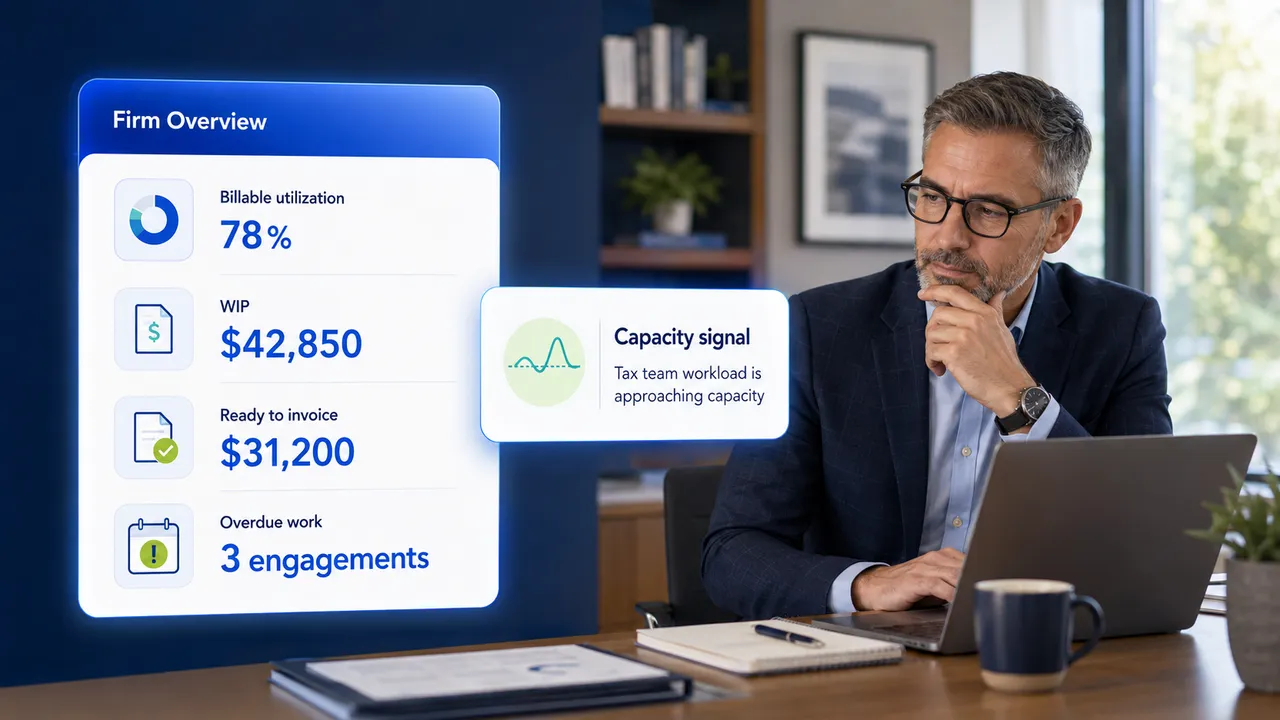
Integrations should support billing, client work, reporting, and firm management instead of becoming another disconnected tool list.
Ready to check your stack?
Bring your current accounting, email, payment, and document tools. We will show which connections matter now, which belong later, and what setup looks like.
We’ll follow up by email. No pressure. No obligation. Choose a time next.
No pressure. No obligation. Migration and setup questions answered.